

 All blogs
Published Jun 14, 2026
What is the best CRM for WordPress?
Not every WordPress site needs the same CRM. Learn how to choose based on your forms, leads, automation, budget, and integration needs.
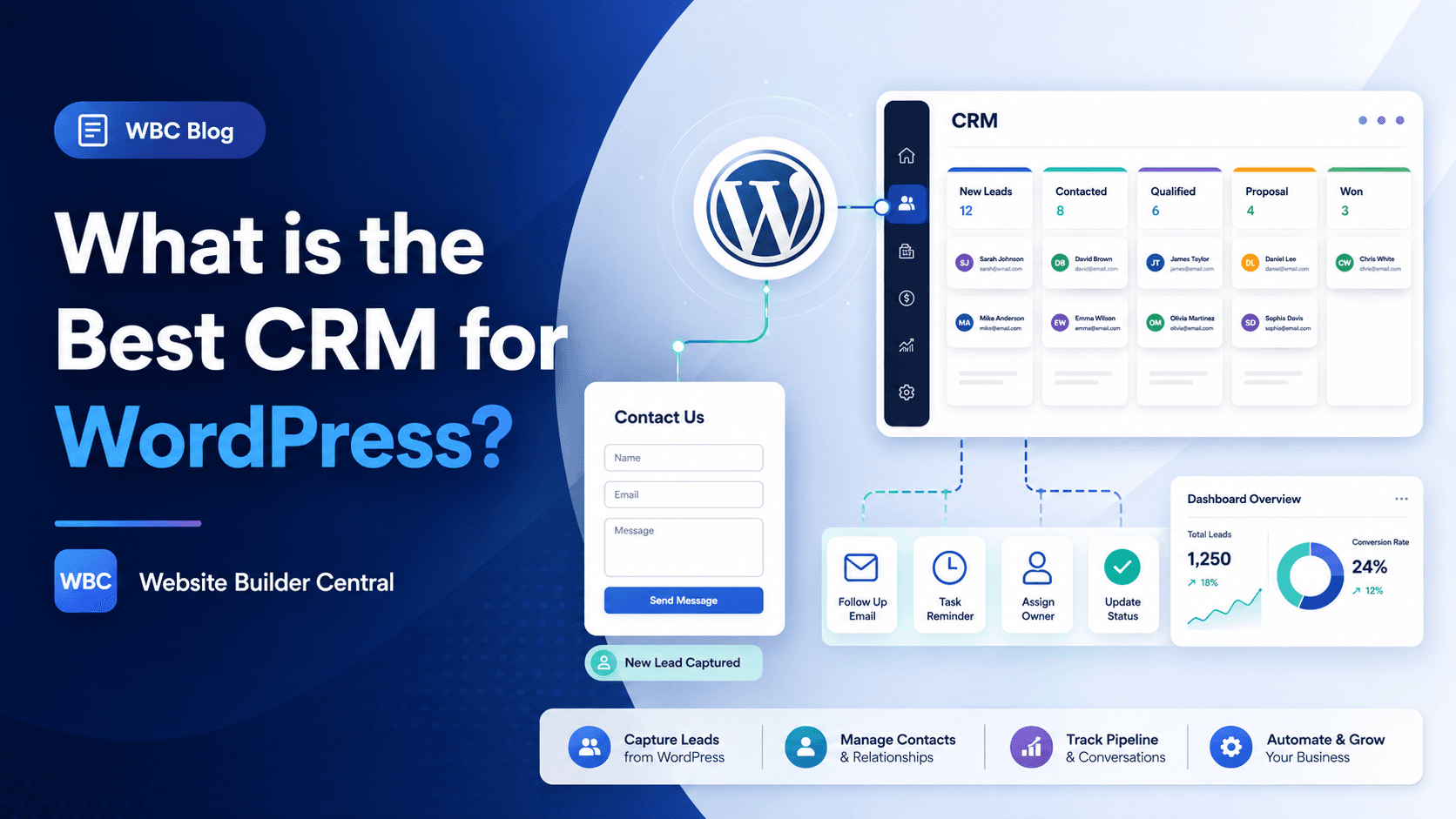
The best CRM for WordPress depends on how your website collects leads and what your team needs to do after someone submits a form.
For most small businesses, HubSpot is a strong starting point because it can connect contact forms, live chat, email marketing, and lead tracking in one place. For businesses that want the CRM to live inside WordPress, a plugin-based CRM such as FluentCRM can make sense. For larger teams, sales teams, real estate businesses, recruitment companies, or businesses using an existing CRM, the best option is usually to connect WordPress to that CRM using a plugin, webhook, Zapier-style automation, or a custom WordPress plugin.
So the short answer is this: the best CRM for WordPress is not always the one with the most features. It is the one that captures your enquiries correctly, sends the right data to the right place, and fits the way your business follows up with leads.
What does a CRM do for a WordPress website?
A CRM, or customer relationship management system, helps you store and manage people who contact your business.
On a WordPress website, a CRM is usually connected to forms, booking tools, live chat, email signups, quote requests, or ecommerce activity. Instead of having enquiries sit inside your inbox, the CRM can organise them into contacts, leads, deals, pipelines, tasks, notes, and follow-up reminders.
For example, when someone fills out a contact form, the CRM can record their name, email, phone number, message, service interest, source page, and sometimes the marketing source, such as Google Ads or organic search. This makes it easier to know where the lead came from and what needs to happen next.
A CRM is useful if your website is not just for information. If your WordPress site brings in leads, enquiries, bookings, applications, or quote requests, then a CRM can help stop those opportunities from getting lost.
The best CRM for WordPress by use case
There are many CRM tools that can work with WordPress. The better question is not “Which CRM is the best overall?” The better question is “Which CRM is best for how this website needs to work?”
Here are some common use cases.
1. Best for small businesses that want an easy start: HubSpot
HubSpot is often a good option for small businesses that want a CRM, forms, email marketing, live chat, and simple lead tracking without building a custom system from scratch.
It is useful when the business wants to see contacts in one place, add forms quickly, track conversations, and start basic marketing automation later. It can be a good fit for service businesses, consultants, agencies, coaches, and companies that want a cleaner follow-up process.
The downside is that businesses may eventually need to move into paid plans if they want more advanced features, deeper automation, custom reporting, or larger-scale sales workflows. That does not make HubSpot bad. It just means you should check the long-term pricing before building your whole process around it.
Best for:
- Small businesses
- Service-based websites
- Contact form enquiries
- Simple sales pipelines
- Businesses that want CRM plus marketing tools
Not ideal for:
- Teams that already use a different CRM
- Businesses with very specific data rules
- Companies that need a fully custom workflow from day one
2. Best for WordPress-native CRM and email marketing: FluentCRM
FluentCRM can be useful when the business wants to manage contacts and email marketing directly inside WordPress.
This type of setup can work well for membership websites, online course websites, WooCommerce stores, content websites, or businesses that already rely heavily on WordPress users, subscriptions, tags, and email segmentation.
The main benefit is that it feels native to WordPress. The business can manage contacts, tags, lists, email campaigns, and automation from the WordPress dashboard.
However, a WordPress-native CRM also means your website becomes more responsible for storing and managing customer data. That makes hosting, security, backups, performance, and plugin maintenance more important.
Best for:
- Membership sites
- WooCommerce stores
- Online course websites
- Email newsletter automation
- Businesses that want everything inside WordPress
Not ideal for:
- Teams that want a separate sales CRM
- Businesses with complex sales pipelines
- Companies that do not want customer data stored inside WordPress
3. Best for businesses already using a CRM: connect WordPress to the existing CRM
If your business already uses a CRM, the best CRM for WordPress is usually the CRM you already use.
For example, a real estate agency, recruitment company, insurance business, property business, or professional service firm may already have a CRM that manages clients, listings, candidates, bookings, enquiries, or sales pipelines.
In this case, the goal is not to replace the CRM. The goal is to make WordPress send the right form data into the existing CRM correctly.
This can be done in different ways:
- Direct plugin integration
- Form plugin add-on
- Webhook
- Zapier, Make, or similar automation tool
- CRM API integration
- Custom WordPress plugin
A custom WordPress plugin can be the best option when the CRM has developer documentation and the business needs a reliable, controlled connection. This does not mean editing WordPress core or modifying the theme directly. It means building a dedicated plugin that handles the integration safely and based on the business requirements.
Best for:
- Businesses with an existing CRM
- Real estate and property websites
- Recruitment websites
- Businesses with strict lead routing rules
- Teams that need specific fields mapped properly
Not ideal for:
- Very simple websites with only one basic contact form
- Businesses that do not have access to CRM documentation or API details
4. Best for advanced sales teams: Salesforce, Zoho, or similar CRMs
For larger teams, the best CRM for WordPress may be a more advanced CRM such as Salesforce, Zoho CRM, or another sales-focused platform.
These systems can be powerful, but the WordPress side needs to be planned properly. The contact form is only one part of the workflow. You also need to think about required fields, lead source, enquiry type, assigned team member, pipeline stage, duplicate contacts, consent, and what happens when the CRM rejects an incomplete submission.
This is where many WordPress CRM integrations fail. The website form may look simple, but the CRM process behind it can be more detailed.
Best for:
- Sales teams
- Multi-location businesses
- Businesses with separate departments
- Companies with reporting requirements
- Teams with complex lead assignment rules
Not ideal for:
- Small businesses that only need a simple enquiry list
- Teams that do not have someone managing the CRM process
How to choose the best CRM for your WordPress website
Before choosing a CRM, answer these questions first.
1. What forms does your website have?
List every form on your WordPress website. This may include a contact form, quote form, booking form, newsletter form, property enquiry form, job application form, download form, or consultation request form.
Each form may need to send different data to the CRM.
For example, a general contact form may only need name, email, phone, and message. A property enquiry form may need listing ID, property address, agent, buyer type, preferred inspection time, and message. A recruitment form may need role, resume file, location, work rights, and availability.
The more specific the form data is, the more carefully the CRM integration needs to be planned.
2. What happens after someone submits the form?
A CRM is not just about storing contacts. It should support the follow-up process.
Ask:
- Who receives the enquiry?
- Should the lead go into a pipeline?
- Should the lead be assigned to a specific person?
- Should an email notification be sent?
- Should the user receive an automatic reply?
- Should the CRM create a task?
- Should the lead source be tracked?
If no one has mapped this process, the CRM can become messy very quickly.
3. Does the CRM have a WordPress plugin or API?
Some CRMs have official WordPress plugins. Some connect through form plugin add-ons. Some use webhooks. Others require API integration.
A direct plugin is usually faster to set up, but it may be limited. A webhook is flexible for simple data transfer, but it may not handle complex authentication or error handling. A custom API integration takes more work, but it can match the exact workflow the business needs.
This is why there is no single best CRM for every WordPress site. The right answer depends on the CRM, the website forms, and the business process.
4. How important is automation?
Some businesses only need to collect enquiries. Others need automated follow-up, lead scoring, email campaigns, reminders, pipeline movement, SMS notifications, or internal task creation.
If automation is important, choose a CRM that can support the full journey after the lead is captured. Otherwise, you may end up with a form that sends data to the CRM but does not actually improve the follow-up process.
5. What is your budget now and later?
Many CRMs look affordable at the beginning. The cost can increase when you need more users, more contacts, more automation, more pipelines, reporting, custom fields, or advanced integrations.
Before choosing a CRM, check the cost based on your likely future use, not just the free plan.
Common mistakes when connecting a CRM to WordPress
Choosing the CRM before mapping the workflow
This is one of the biggest mistakes. A business chooses a CRM because it is popular, then later realises it does not match how their enquiries actually work.
Start with the business process first. Then choose the CRM.
Only testing the form once
A CRM integration should be tested properly. You should test required fields, missing fields, spam submissions, duplicate contacts, mobile form submissions, different enquiry types, and what happens if the CRM is temporarily unavailable.
Ignoring lead source tracking
If you are running SEO, Google Ads, Facebook Ads, or email campaigns, the CRM should ideally capture the lead source. This may include UTM parameters, landing page, referrer, or campaign information.
Without this, you may know that leads are coming in, but not which marketing channel is producing them.
Sending every form to the same place
Not all enquiries are equal. A sales enquiry, support question, job application, and partnership request may need different CRM fields, different notifications, and different owners.
Treating every form the same can make the CRM harder to use.
Editing the WordPress theme directly for CRM logic
If the CRM integration needs custom code, it is usually better to build a custom plugin instead of placing business logic inside the active theme. A dedicated plugin is easier to manage, safer to update, and clearer for future developers.
Our recommendation
For a basic WordPress business website, start with a CRM that is easy to manage and connects cleanly with your forms. HubSpot can be a good starting point for many small businesses.
For a WordPress-heavy business that wants email marketing and contact management inside the dashboard, FluentCRM can be worth considering.
For businesses that already use a CRM, do not replace it just because you are rebuilding the website. Instead, connect WordPress to the existing CRM properly. This is often the better long-term approach.
For custom workflows, API-based CRM connections, or industry-specific CRMs, a custom WordPress plugin may be the safest and cleanest solution. It keeps the integration separate from the theme and allows the website to send exactly the data the CRM needs.
Final answer: what is the best CRM for WordPress?
The best CRM for WordPress is the one that matches your website forms, lead process, team workflow, and budget.
If you want a simple starting point, HubSpot is a strong option. If you want a CRM inside WordPress, FluentCRM may fit better. If your business already uses a CRM, the best solution is usually to connect WordPress to that CRM through the right integration method.
Before choosing a CRM, map your forms, fields, follow-up process, automation needs, and lead source tracking. That will give you a much better answer than choosing based on popularity alone.
Need help connecting your WordPress website to a CRM?
Website Builder Central can help you plan the right CRM setup for your WordPress website, whether you need a simple form connection, webhook, automation workflow, or custom CRM API integration.
Contact us to discuss your WordPress CRM integration.
FAQ
What is the best free CRM for WordPress?
HubSpot is often a good free CRM option for WordPress because it can help with contact management, forms, live chat, and basic lead tracking. However, the best free CRM still depends on your workflow and what features you need later.
Can WordPress connect to any CRM?
WordPress can connect to many CRMs, but the method depends on the CRM. Some have plugins, some support webhooks, and others need API integration. If the CRM provides developer documentation, a custom WordPress plugin can often be built to send form data into the CRM.
Do I need a CRM plugin for WordPress?
Not always. You only need a CRM plugin if you want the CRM functionality inside WordPress or if the plugin provides the easiest connection to your CRM. Many businesses use WordPress forms connected to an external CRM instead.
Is it better to use a CRM inside WordPress or outside WordPress?
A CRM inside WordPress can be convenient, especially for email marketing, memberships, courses, and WooCommerce. An external CRM is usually better for larger teams, sales pipelines, reporting, and businesses that want customer data managed outside the website.
Can a custom WordPress plugin connect forms to a CRM?
Yes. A custom WordPress plugin can connect forms to a CRM using the CRM API. This is useful when the business has specific field mapping, authentication, lead routing, or error handling requirements. It is usually safer than putting integration code directly into the theme.